
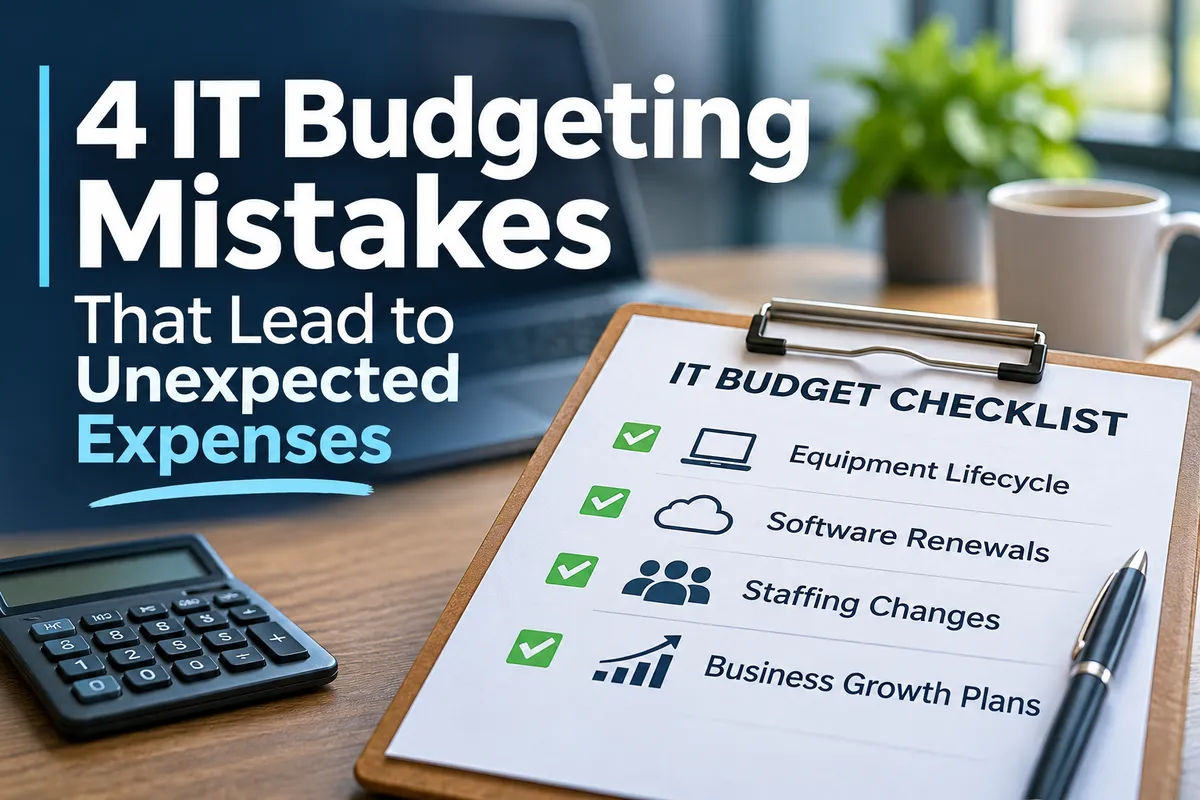
4 IT Budgeting Mistakes That Lead to Unexpected Expenses
4 IT Budgeting Mistakes That Lead to Unexpected Expenses
In January, it’s easy to feel confident about your IT budget. You’ve reviewed, organized, and approved everything, so you think you know what your technology expenses will be for the year ahead.
Then summer rolls around.
Four laptops have failed, new hires have pushed up your cloud storage costs, and several software subscriptions have renewed at higher prices. Suddenly, the IT budget you set at the start of the year doesn’t seem so accurate.
And someone in the next leadership meeting is bound to ask, “Why didn’t we know about this?”
It’s frustrating, especially since many surprise IT expenses actually come with warning signs. Aging equipment, upcoming renewals, staffing changes, and business growth can all affect technology costs long before you get a bill.
You can’t predict every technology expense, but you can plan for many of them. Here are four common IT budgeting mistakes that often lead to surprises, and what your business can do to avoid them.
1. Building Your IT Budget Around Last Year’s Spending
It makes sense to start by looking at last year’s technology expenses when planning a new budget. The problem is assuming next year’s needs will be the same. Chances are that your business isn’t running the same way it did a year ago.
Maybe you’re hiring more employees, expanding into a new location, or introducing software to support a new service. Those changes can affect everything from equipment purchases to licensing and cybersecurity costs.
For example, a manufacturer preparing to expand production may need new technology to support its equipment and operations. A financial firm adding advisors may need additional devices, software licenses, and secure access to client information. An accounting firm might be preparing for a software upgrade before its next busy season.
If your IT budget only looks at last year’s spending, you might miss these upcoming needs.
Before finalizing your next budget, review four areas:
Equipment: Which computers, servers, or other devices are getting older or approaching the end of their warranties?
Renewals: Which software subscriptions, licenses, and service agreements are coming up for renewal?
Staffing: Will hiring, departures, or changes in how employees work affect technology costs?
Business plans: Do upcoming projects, expansions, or operational changes require IT support?
Looking at past spending is helpful, but it shouldn’t be your whole plan. Your budget should also reflect where your business is headed.
2. Waiting Until Equipment Breaks to Replace It
Most offices have at least one computer that’s hanging on for dear life. It’s slow, the battery doesn’t last, and the person using it knows just how many programs they can open before it freezes. But since it still turns on, replacing it keeps getting delayed.
The problem is that a device doesn’t have to break completely to start costing your business money. Slow equipment wastes employees’ time, interrupts their work, and makes daily tasks harder. When that computer finally fails, you’re stuck with an urgent replacement instead of a planned one.
This can lead to unexpected expenses, downtime, and employees unable to work while they wait for a replacement. For companies that rely on specialized software, production equipment, or other key systems, an unexpected failure can cause even bigger issues.
A better approach is to keep an equipment inventory that tracks:
The age and condition of devices
Warranty expiration dates
Recurring performance problems
Expected replacement needs
Equipment that supports important business operations
You don't need complicated software to get started. A shared spreadsheet can help your team track equipment, warranty dates, and planned replacements. If you're managing a larger inventory, your IT provider can help determine whether dedicated asset management software would make tracking and reporting easier.
This helps your IT team and leadership see which devices might need attention before they break. It also lets you spread out replacement costs over future budgets, instead of facing several big purchases at once.
The goal isn’t to replace every old computer. It’s to know which equipment is becoming a risk for your business.
3. Letting Software Renewals Run on Autopilot
Automatic renewals are convenient. They keep services running, prevent missed payments, and save employees from handling every subscription by hand. But they also make it easy to lose track of what your business is paying for.
Maybe you’re still paying for software licenses assigned to employees who left months ago. Perhaps two departments use different tools that do the same thing. Or a subscription renews at a higher price before anyone has reviewed whether it’s still worth the cost.
On their own, these expenses might not seem like much. But over time, they add up. For businesses using several cloud platforms, cybersecurity tools, and special applications, keeping track of everything can get complicated.
Before a subscription renews, ask:
Are we still using this software?
How many licenses do we actually need?
Has the price increased?
Does it overlap with another tool we’re already paying for?
Is it still helping employees do their jobs?
A simple renewal calendar or spreadsheet can make these reviews easier. Include the software name, renewal date, cost, number of active licenses, responsible contact, and cancellation deadline. You can also add notes about upcoming price increases or changes in how your team uses the software.
Keeping this information in one place makes it easier to review subscriptions before they renew, rather than discovering unexpected charges afterward.
The goal isn’t just to cut software to save money. It’s to make sure your business knows what it’s paying for and why.
4. Keeping IT Planning Separate From Business Planning
Imagine your leadership team meets in December to consider next year’s priorities. They’re planning to hire new employees, expand services, improve operations, and possibly open another location.
A week later, the IT team starts working on its budget. But no one has told them about these plans. So, IT is budgeting for how the business runs today, while leadership is planning for a business that could look very different next year. These plans usually catch up with each other when an unexpected technology expense appears.
Growth often brings costs that aren’t obvious during initial planning. New employees need computers, software licenses, accounts, and secure access to company systems. A new office may need networking equipment, internet connectivity, and additional IT support. New applications can introduce subscription fees, integration costs, and training needs.
For businesses with field-specific security or compliance responsibilities, operational changes may require additional planning to ensure those requirements are still met.
That’s why your IT team or managed IT provider should be part of business planning conversations before big decisions are made. They can help leadership understand the technology needs for upcoming projects and estimate costs early enough to include them in the budget.
IT planning shouldn’t come after business decisions are made. It should help shape those decisions.
How Can Your Business Avoid Sudden IT Expenses?
You can’t stop every surprise. Computers might fail without warning, vendors might raise prices, and business priorities can shift. But a good IT budget should help you get ready for expenses you can reasonably expect.
At your next leadership or IT meeting, try a simple exercise: ask your team to identify technology costs that are likely to come up over the next 12 months.
Start with equipment that may need replacing, software agreements approaching renewal, and staffing or operational changes that could require additional technology.
Then ask which expenses are already included in the budget and which ones haven’t been accounted for yet.
You might find that several computers are near the end of their useful life, a big software contract renews in six months, or an upcoming project will need extra IT support. These aren’t emergencies; they’re expenses you can plan for if you know about them early.
It’s also a good idea to review your budget during the year, not just at annual planning time. Checking in every quarter can help your team spot changes in costs, priorities, and technology needs while there’s still time to adjust.
Your IT team or provider can help by keeping equipment records, tracking upcoming renewals, and spotting technology needs tied to your business plans. The goal is to give leadership enough information to make decisions before an unexpected bill shows up.
A Good IT Budget Shouldn’t Be Full of Surprises
The best IT budget isn’t always the one with the lowest number. It’s the one that gives your business a clear idea of what technology will cost and what those expenses are for.
When you plan equipment replacements, review software subscriptions, and include IT in business decisions, you’re more likely to spot expenses before they become urgent. That means fewer last-minute purchases, fewer interruptions, and more control over your technology budget.
So, before your next budget meeting, ask one question:
“What technology expenses can we already see coming that we haven’t planned for yet?”
You might spot an aging server, an upcoming renewal, or a business project that needs more IT support than you thought. Finding these expenses now gives you time to plan. A good IT budget won’t catch every surprise, but it helps you avoid the ones you could have seen coming.